September 1, 2026
Use Your Own 510 Cartridges With Full Control
Most 510 batteries treat every cart the same way: a voltage and a button. Slyder Pro works in degrees instead, and it remembers what you put on it.
The 510 Adapter
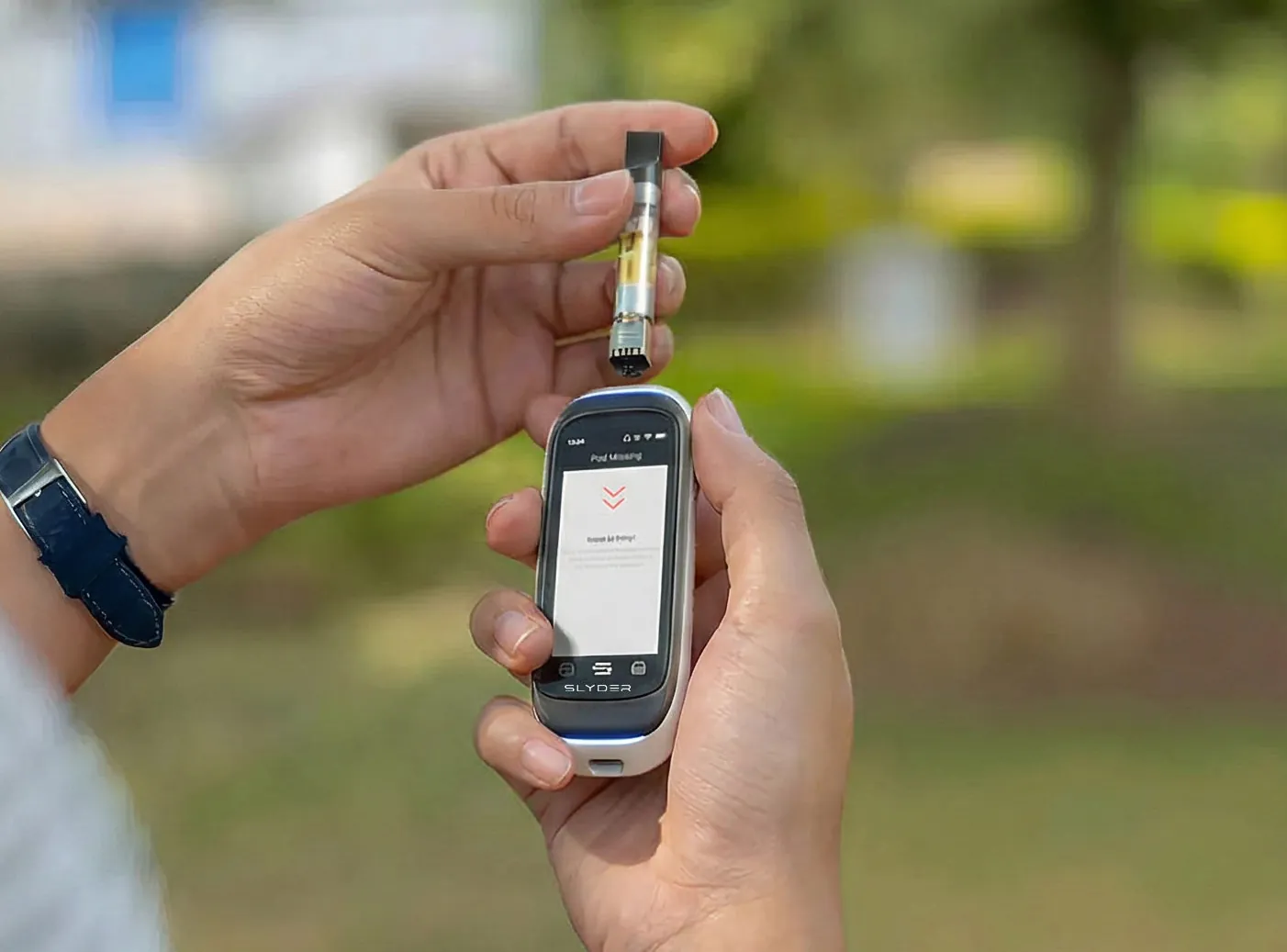
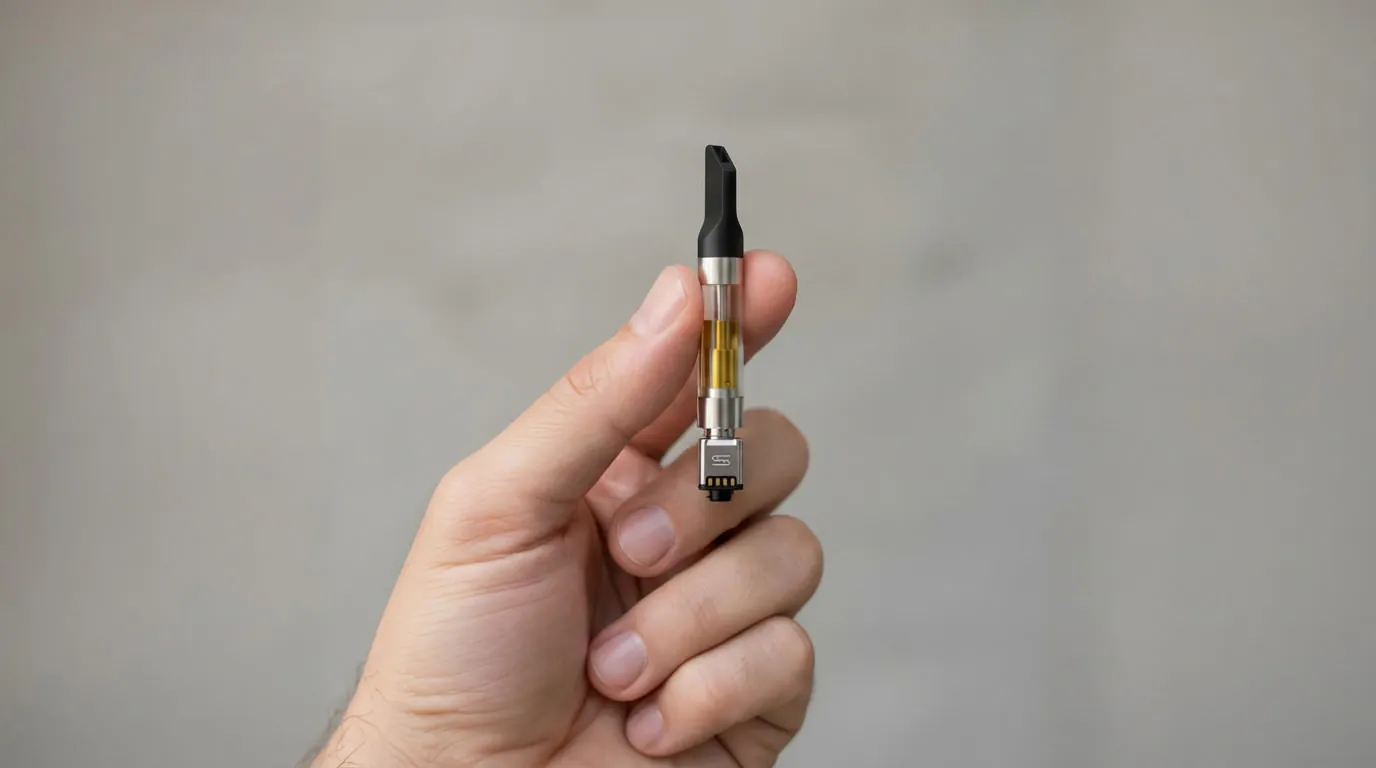
A lot of people already have a go-to 510 cartridge they like and trust. The problem is: a standard 510 cartridge doesn’t carry any context. It’s just a cart. No profile, no tracking, no memory. The Slyder Smart 510 Adapter changes that.
Thread a standard 510 cartridge onto the adapter, attach it to Slyder Pro, and open Set 510 from Choose Mode. You enter the cartridge details once. From then on, Slyder Pro treats that cartridge like a known product, with full tracking and every mode.
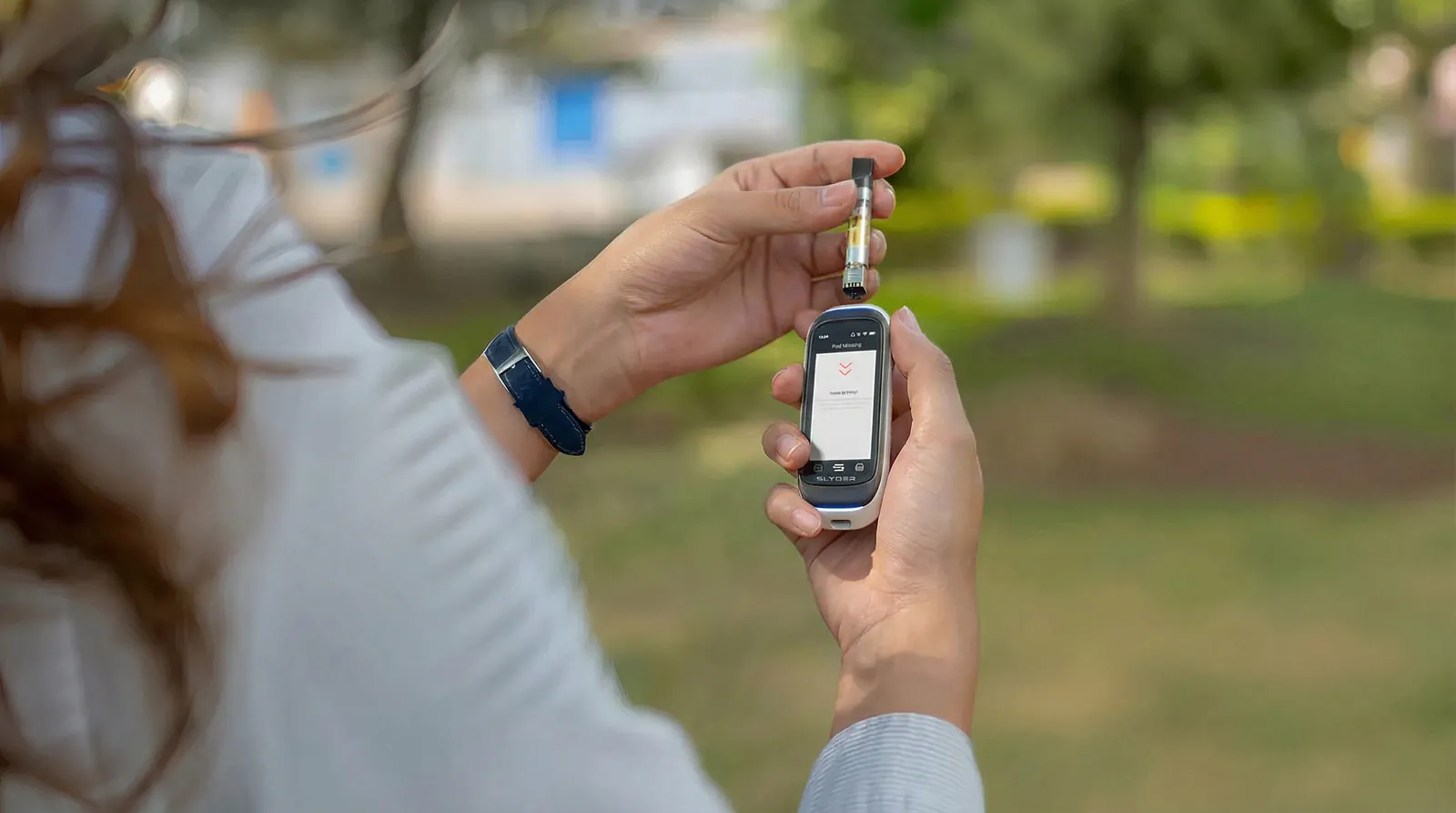
What you can save for each cart
- Compounds and their percentages, as printed on the label.
- Cartridge name, so you recognize it immediately.
- Concentrate type.
- Brand.
The next time you attach that cartridge, you are not starting from zero.
Why it matters
Once a cartridge has a profile, everything else on the device works with it. Session tracking, Statistics, temperature control, airflow, and the full set of modes. Your session history stays complete instead of having gaps every time you use a third-party cartridge.
Degrees instead of volts
Most 510 batteries let you choose a voltage. That number controls power, not heat, so the same setting can run cool in one cart and hot in the next. Slyder Pro lets you set the temperature itself, from 240 to 420 °F, and adds a short preheat for thick oil. If you use live rosin carts, our guide to the best temperature for live rosin carts walks through where to start.
It gets more useful over time
The value is not the saved label. It is connecting what is in the cartridge to your own record of how you used it.
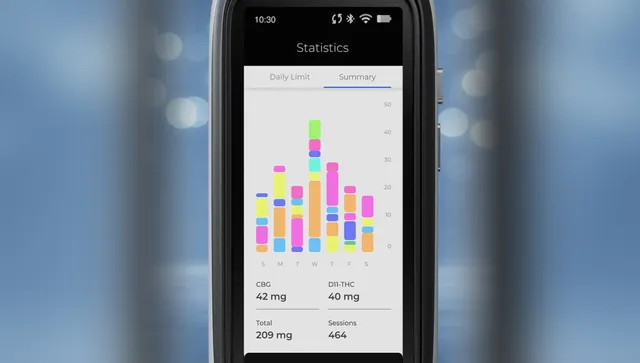
With Mood Share on, each rated session is stored alongside its compounds, temperature and timestamp. Over weeks, your Statistics and dashboard show which combinations you came back to and which you did not. Slyder Pro surfaces those patterns. What you do with them is your call.
Compatibility Note
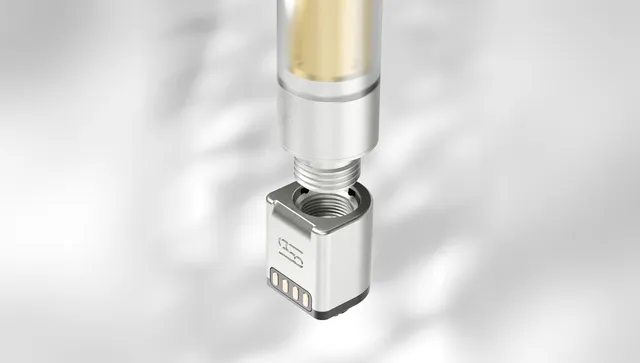
The 510 format is used widely across the market, so the 510 Adapter works with standard 510-thread cartridges. One is included with every Slyder Pro, and spares are available separately.
Published by the Slyder Team
Explore more articles

Oct 19, 2026
Child Lock for Vapes: How a Password Lock Works
Most vapes lock with five clicks, and anyone can undo that. How a password lock is different.
Oct 19, 2026
Cart Not Hitting? How to Fix a Clogged, Burnt or Dry Cart
Most carts that stop hitting can be fixed in a minute. The usual causes, from the most common to the least, and what to do about each one.
Oct 19, 2026
Know Your Usual: How to Keep Track of How Much You Use
Habits are easy to forget. Simple ways to keep a log, compare your days, and keep track of a break if you take one.